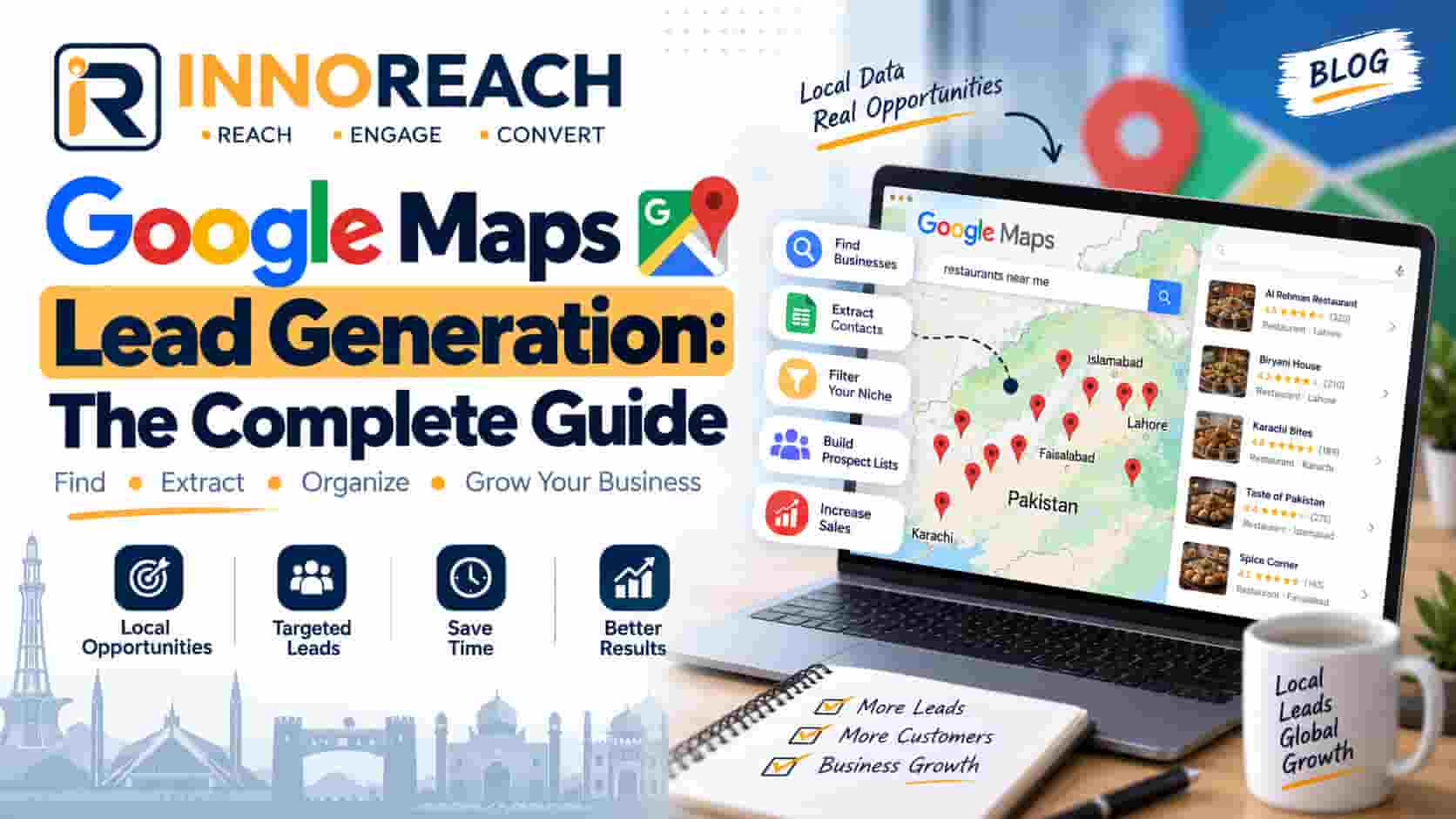
Google Maps Lead Generation: The Complete Guide
How to turn Google Maps into a working list of local business leads — finding them, getting a phone number that dials, calling, and following up until someone says yes or no.
If you sell to shops, clinics, schools, factories or offices, you have probably noticed that every B2B contact database is thin exactly where you need it. They are built for corporate buyers with LinkedIn profiles and company domains. The pharmacy on the corner, the tuition centre above the bakery, the auto parts trader in the wholesale market — none of them are in there.
Google Maps has all of them. Not because anyone compiled it, but because those businesses put themselves there so customers could find them.
Google Maps lead generation is the practice of turning those public business listings into a working list of prospects, and then into calls, meetings and sales. This guide covers all of it: what the data actually contains, three ways to collect it, how to get a phone number that dials, what to say when someone picks up, how to follow up, and where the legal lines are.
It is written Pakistan-first, because that is where we sell and it is the market almost nobody writes about. Everything here works anywhere Google Maps does.
What is Google Maps lead generation?
At its simplest: you search Google Maps for a type of business in a place, collect the listings that come back, and work through them as a prospect list.
A Google Maps listing gives you the business name, a phone number, a full address, the category the business chose for itself, a website if it has one, a star rating and a review count, and its opening hours. That is genuinely a lot. It is enough to know who they are, where they are, how big they probably are, how well-regarded they are, and how to reach them.
It does not give you two things people expect. It does not give you an email address — Google does not publish them, full stop. And it does not give you a decision-maker's name. You get the business, not the person.
This is a B2B technique and only a B2B technique. Maps lists businesses, so if you sell to consumers, this is the wrong channel and no tool will change that.
Why Google Maps beats a bought database for local B2B
Four reasons, and they all come down to who maintains the data.
The business owner maintains it, not a data vendor. They update the phone number when it changes, because customers call it. A purchased list decays from the day it is compiled; a Maps listing is corrected by the person who cares most about it being right.
It covers businesses nobody else lists. A three-person trading company with no website and no registration filing is invisible to every commercial database. It is on Maps, because it wanted walk-in customers.
It is city-native. You can search a single neighbourhood. Try asking a global database for "auto workshops in Ghulam Muhammad Abad, Faisalabad" and see what happens.
It is current. Permanently closed businesses get marked as such, usually by customers.
Now the honest limits, because they shape everything that follows:
- Google caps result depth. One search returns roughly 100–200 businesses no matter how many exist. You cannot get 5,000 pharmacies in Lahore from one query.
- There is no export button. Maps is built for people looking for a plumber, not for people building lists.
- Categories are noisy. Businesses choose their own, so a "general store" might be a supermarket or a kiosk.
- No emails. Worth repeating, because so much of the market implies otherwise.
Step 1 — Define who you are looking for
Everything that goes wrong later goes wrong here. The single most expensive mistake in lead generation is searching too broadly, and it is expensive in a very literal sense if you pay per lead.
Category, city, and one qualifying signal
A useful search has three parts, not one. Not "businesses in Lahore" — that is not a search, it is a wish. Instead:
- Pharmacies in Faisalabad that have no website — if you sell websites, that last clause is your entire pitch.
- Schools in Gujranwala rated under 4 stars — if you sell reputation management, a low rating is the opening line.
- Auto parts traders in Karachi with 50+ reviews — high review counts mean real volume, which matters if you sell POS or inventory software.
- Private clinics in Islamabad open on Sundays — a signal of a busy, commercially-minded practice.
That third element — the qualifying signal — is what turns a list into a pitch. A list of every pharmacy in a city tells you nothing about what to say. A list of pharmacies without websites tells you exactly what to say.
Match the search radius to how you sell
If reps visit in person, search at the level they can actually cover: a tehsil, a market, a few blocks. A rep with leads scattered across a whole city spends the day in traffic.
If you sell by phone or WhatsApp, geography stops mattering and you can work a whole city or province.
Step 2 — Build the list
Three methods. They differ enormously in effort and cost, and the right one depends mostly on volume.
The manual method
Search, open a listing, copy the name, copy the phone number, paste into a spreadsheet, go back, repeat.
It is free and it works. It is also slow: about 40 to 60 seconds per business once you are practised, so roughly an hour and a half per 100 leads, and that is uninterrupted. For 100 leads once, that is fine. For 1,000 leads a month it is a full-time job that costs more in salary than any tool.
Do this first anyway, for twenty listings. You will learn more about your market in twenty minutes than in a week of reading about it — including whether these businesses even have phone numbers listed, which varies more by category than people expect.
The Chrome extension method
A browser extension reads the results page you are already looking at and collects the listings into a structured list. No login to Google, no account to ban, no code.
This is what the InnoReach Chrome extension does. You run a search in Google Maps as normal, start the extension, and it walks the results collecting each business. A few practical notes that apply to any extension of this kind:
- Search area by area for large cities. Because of the result cap, "car dealers in Lahore" gives you a couple of hundred. "Car dealers in Model Town", "car dealers in Johar Town" and so on gives you all of them. This is the single biggest difference between people who get 200 leads and people who get 2,000.
- Let it finish. Google loads results as you scroll, so the extension has to scroll through them. Closing the tab halfway gives you half a list.
- Watch the category, not just the keyword. Searching "clinic" and searching "medical centre" surface overlapping but different sets.
Installation takes a couple of minutes; there is an illustrated installation guide if you want to see the steps before committing.
The Places API method
Google's own Places API returns the same listings programmatically. It is the right answer if you are building software that needs Maps data continuously, and the wrong answer for a sales team.
It is metered and billed per request, it requires a developer to integrate, and it returns the same fields as everything else — including no email addresses. Compared with a browser extension, its advantage is automation, not data quality.
If you want the comparison in detail, our API and webhooks documentation covers how InnoReach exposes the same data programmatically once it is in your account.
Step 3 — Get contact details that actually work
Collecting a list and collecting a usable list are different jobs.
Phone numbers, and formatting them so they dial
Most listings have a phone number. This is the most valuable field on the page and it is why calling, not emailing, is the right first move for local B2B.
The catch is format. Maps shows numbers the way the business typed them: 0300-1234567, +92 300 1234567, 042 35xxxxx, 0300 123 45 67. Human-readable, machine-hostile. Tap-to-call on a phone and WhatsApp links both need international format — +923001234567 — with no spaces or dashes.
Converting a whole list by hand is miserable. Any tool worth using should do it for you; InnoReach normalises numbers to international format using the country the lead was found in, which is what makes tapping a lead in the Android app dial it.
Email addresses — where they actually come from
Here is the part the market is not straight about.
Google Maps does not publish email addresses. No tool extracts an email from Maps, because there is no email in Maps to extract. What good tools do is take the website from the listing, visit it, and read the contact address published there.
Two consequences follow, and they are worth setting expectations around before anyone spends money:
- A business with no website will never have an email. Not from us, not from anyone.
- Coverage is partial even for those that do. Many sites hide contact behind a form. In our own runs across Pakistani cities, a fifth to a third of listings yield an email — and in categories dominated by small traders it is lower.
If a vendor promises an email for every lead, they are either guessing patterns like info@domain and hoping, or they are not being honest. Our full breakdown of field coverage lists what actually arrives and how often.
This is not a weakness of the method. It is a reason to call. In this market, calling works better than email anyway.
Deduplicating on place ID, not URL
Search "pharmacy in Faisalabad" and then "chemist in Faisalabad" and you will get the same businesses twice. Run the same search next month and you get them all again.
The fix is to fingerprint each business on its Google place ID — the stable identifier Google assigns — rather than on the URL, which changes, or the name, which is not unique (how many "Al-Madina Traders" are there?).
This matters commercially, not just tidily. If your tool charges per lead and does not dedupe, you pay again every time you re-run a search. InnoReach fingerprints on place ID and does not charge for a business already in your account, which means re-running a search to catch new openings costs only for the genuinely new ones.
Step 4 — Qualify and segment before you call
You now have a list. Do not start dialling from the top.
Sort it, and let the sort decide the pitch:
| Signal | What it suggests | The pitch |
|---|---|---|
| No website | No online presence at all | Web design, Google Business setup |
| Website, low rating | Visible and struggling with reputation | Reviews, reputation management |
| High rating, no website | Successful but offline | Premium — they can afford it and have something to protect |
| Many reviews | Real transaction volume | POS, inventory, software |
| Few reviews, new listing | Recently opened | Anything a new business needs — and they are still buying |
Segmenting like this changes the conversation from "we do web development" to "I noticed you don't have a website yet". The second one gets answered.
This is also where you decide who is not worth a call. A business with 3,000 reviews and a polished site is not buying a basic website from a cold call. Cross them off. A list of 200 well-qualified leads outperforms 2,000 unsorted ones, and it costs less.
Different trades slice this differently — agencies, distributors and recruiters each have their own version of the qualifying signal.
Step 5 — Work the list: call first
Here is the part most guides skip, and it is the part that determines whether any of this makes money.
Call. Do not email. In Pakistan and most SMB markets, the owner of a local business does not read email. They may not have an address that anyone monitors. They do answer their phone, because that is how customers reach them — that number is on Maps precisely so it rings.
A 30-second opener
Keep it short, name the reason you called, ask one question. English:
"Assalam-o-alaikum, am I speaking with the owner? My name is Ali from Innobrains. I was looking at pharmacies in Faisalabad and noticed yours doesn't have a website. We build them for small businesses. Is that something you have thought about?"
Romanised Urdu, which is what most of these calls actually sound like:
"Assalam-o-alaikum, main Ali baat kar raha hoon Innobrains se. Aap ka pharmacy Google par hai lekin website nahi hai. Hum chhote businesses ke liye website banate hain. Kya aap ne kabhi socha is baare mein?"
Two things make this work. You have a specific reason for calling this business — not a script sprayed at a thousand numbers. And you ask a question they can answer in one word, which is what keeps a call alive past ten seconds.
The WhatsApp follow-up
Almost every one of these calls ends with "send me the details on WhatsApp". That is not a brush-off; it is how business is done here. Have the message ready:
"Assalam-o-alaikum [Name], Ali from Innobrains — we just spoke about a website for [Business]. Here are three we built for pharmacies: [link]. Starting at PKR X, ready in about a week. Happy to explain anything. — Ali"
Short. Named. One link. A clear price. No PDF brochure.
The follow-up cadence
Most deals die of silence, not rejection. Four touches, spread out:
- Day 0 — the call.
- Day 3 — WhatsApp with something useful (an example, a price).
- Day 10 — a second call. "Just checking whether you had a chance to look."
- Day 30 — a final WhatsApp. Then mark them dead and move on.
Two things matter more than the exact days. Log every contact, so you know what was said last time — nothing loses a deal faster than "sorry, who is this?" on the third call. And set a date for the next touch, or there will not be one.
Step 6 — Track it in a CRM, not a spreadsheet
A spreadsheet works until it does not, and the failure is always the same: nobody knows who to call today.
What you actually need is small:
- Pipeline stages — new, contacted, interested, won, dead. Five is plenty.
- A next-touch date on every live lead. This is the whole game. A lead with no next date is a lead you have lost and not yet noticed.
- A contact log — what was said, when, by whom.
- Per-rep lists on a phone, if you have reps. A rep in the field cannot open a spreadsheet on a laptop while standing outside a shop.
That is what the lead CRM is for: leads arrive from a search already in the pipeline, and every call, note and status change stays attached to the business it belongs to. Field reps get the same list in the Android app, which works offline — useful, since signal in a wholesale market is not something to rely on.
Is Google Maps lead generation legal?
Two separate questions, and conflating them is where people get confused.
Collecting the data. You are gathering business contact details that are already published publicly, for anyone to see. That is generally lawful, and it is the same act as writing them down by hand — a browser extension reads a page you were already looking at, in your own browser, without logging into anything.
Contacting people. This is where the rules live, and they are about you as the sender.
- Pakistan (PECA 2016). The Prevention of Electronic Crimes Act governs unsolicited electronic communication. In practice: identify yourself honestly, stop when someone asks you to stop, and do not use deceptive means to reach people.
- EU (GDPR). If you contact businesses in the EU, you need a lawful basis — usually legitimate interest for B2B — plus a clear way to opt out and a genuine record of why you hold the data.
- US (CAN-SPAM). For commercial email: no deceptive subject lines, a real physical address, and a working unsubscribe honoured within ten days.
Across all three, the same practical rules keep you clear: be honest about who you are, contact businesses about business, keep a record of who asked you to stop, and actually stop. Our FAQ covers the questions people ask us most often about this.
None of this is legal advice. If you are running large-scale outreach into the EU, get someone qualified to look at it.
Common mistakes
Nearly every failure we see is on this list.
Searching too broadly. "All businesses in Lahore" returns a capped, unsorted, unusable list. Narrow it until the search itself implies the pitch.
Buying credits before fixing the process. If you cannot convert 100 leads, 10,000 will not help. Run a small batch, call all of it, count what happened, then buy.
Emailing when you could call. Email feels safer because nobody rejects you out loud. That is exactly why it converts worse.
Not deduplicating. Without place-ID fingerprinting you re-collect and re-pay for the same businesses every time you search.
Chasing emails where phone numbers exist. People filter for "has email" and discard 70% of a list, when the discarded 70% all have phone numbers that ring.
Treating a CSV as a pipeline. An exported file is not a sales process. It has no next-touch date, no history, and no way to tell you who to call this morning.
No follow-up date. The most common and most expensive of all. One call is not outreach.
What this looks like when it works
Narrow search, clean list, call first, log everything, follow up on a date you set in advance.
A realistic first month for one person working part-time: four or five area searches producing 300–400 qualified leads, 20 calls a day, a handful of real conversations a week, and two or three deals. Not spectacular — but it is repeatable, and it compounds, because the leads you did not close this month are still in the pipeline with a date on them.
The part people underestimate is not the collecting. It is the calling and the following up. The list is a week's work at most; the pipeline is the business.
If you want to see what your own market looks like, the free trial includes 25 leads — enough to run one real search on your city and your category, and see what actually comes back before you spend anything. Start with the free trial, or look at what the plans cost.
Frequently asked questions
Collecting business contact details that are already published publicly is generally lawful — it is the same information anyone could copy by hand. What is regulated is what you send afterwards. Marketing and anti-spam rules differ by country, including PECA in Pakistan, GDPR in the EU and CAN-SPAM in the US, and those apply to you as the sender.
No. Google Maps does not publish email addresses at all. Emails are found on the business website, so a listing with no website will never have one. In our own runs across Pakistani cities, somewhere between a fifth and a third of listings yield an email, while phone numbers are present on the large majority.
Google caps how deep any single results list goes — in practice around 100 to 200 businesses for a city-wide query, regardless of how many exist. The way past the cap is not a better tool, it is more searches: split by area, by neighbourhood, and by narrower category.
Yes. Any country Google Maps covers works the same way. The only things that change are the phone number format, which should be converted to international form, and the marketing law you have to follow when you make contact.
Not for the browser method. A Chrome extension runs on the results page you were already looking at and needs no code. You need a developer only if you choose the Places API route, which is a paid, metered service intended for software that consumes the data programmatically.
They should. The useful arrangement is one organisation account holding the credits, with each rep signed in under their own licence, so every call and note is attributed to the person who made it and the owner can see the whole pipeline in one place.
Arshad Ali
Innobrains Technologies — we build InnoReach, and we sell with it too.
Keep reading
Is Scraping Google Maps Legal? Pakistan, EU and US
Two separate questions get muddled into one — collecting published business data, and contacting people afterwards. Here is how the landscape looks in Pakistan, the EU and the US.
18 Sep 2026 · 11 min
Google Maps Scraper vs Places API: Which Should You Use?
An honest comparison of browser-based Google Maps scraping and Google's official Places API — what each costs, what fields each returns, and which one your situation calls for.
09 Sep 2026 · 11 min
7 Google Maps Scraping Myths That Waste Your Credits
The seven wrong assumptions that burn a trial in an afternoon — what actually happens with emails, result caps, duplicates and the gap between a CSV and a pipeline.
07 Sep 2026 · 7 min