7 Google Maps Scraping Myths That Waste Your Credits
The seven wrong assumptions that burn a trial in an afternoon — what actually happens with emails, result caps, duplicates and the gap between a CSV and a pipeline.
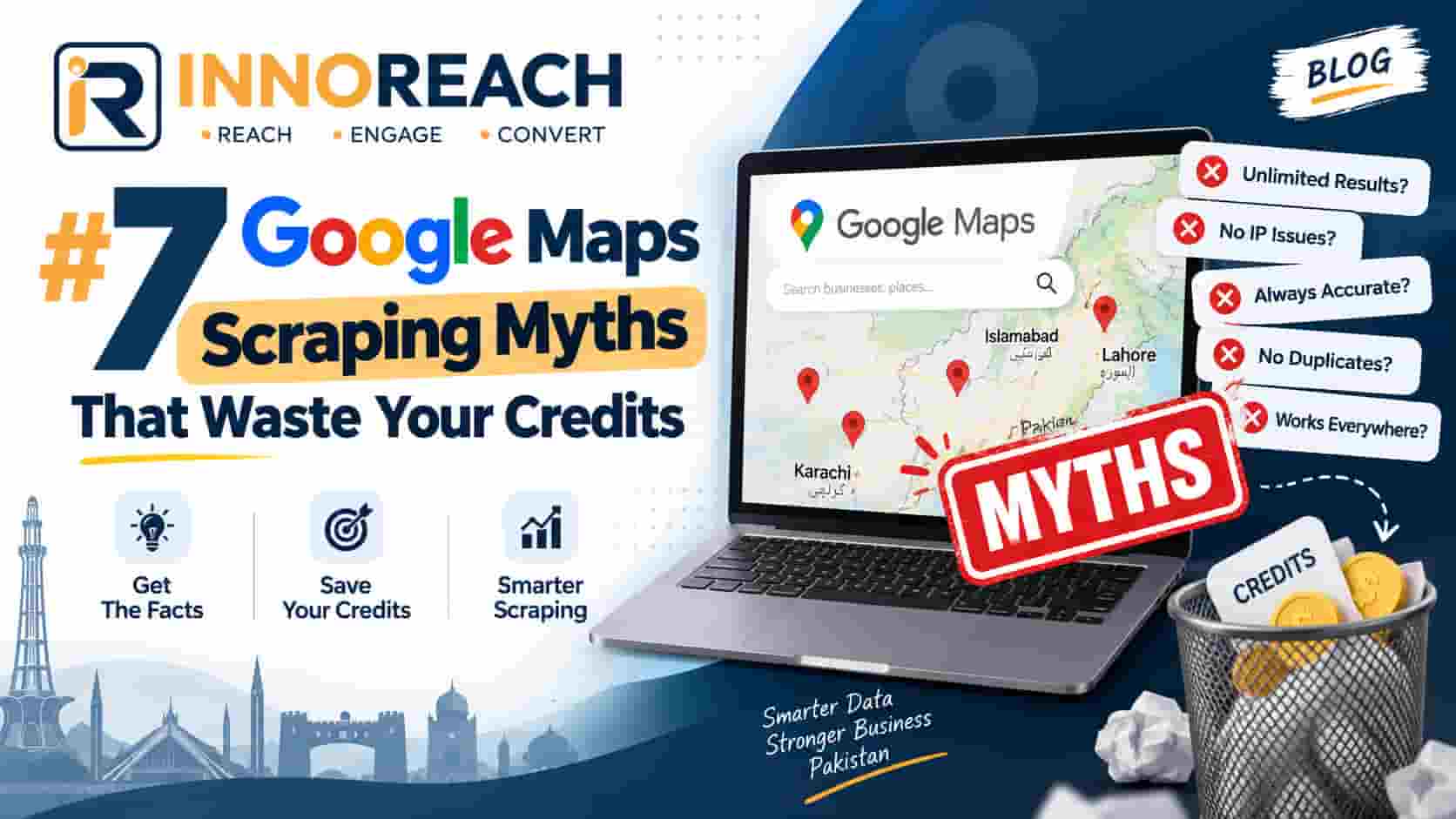
We watch a lot of trials. The ones that fail almost never fail because the tool did not work — they fail because someone expected something different from what Google Maps actually contains, spent a whole trial finding out, and concluded the product was broken.
So here are the seven wrong assumptions, in roughly the order they cost people money.
Myth 1: "Every listing has an email address"
This is the big one, and it is not really the customer's fault — a lot of the market implies otherwise.
Google Maps does not contain email addresses. Not hidden ones, not ones behind a paywall. The field does not exist. Google lists a phone number, an address and a website, because those are what a customer needs to visit or call a business.
So where does an email come from? From the website. A tool takes the site address off the listing, visits it, and reads whatever contact address is published there. That chain has two obvious breaking points:
- A business with no website can never produce an email. In some Pakistani categories that is more than half of all listings.
- A business whose site uses a contact form instead of publishing an address produces nothing either.
Realistically, expect an email on a fifth to a third of leads. The full field breakdown has the detail.
Anyone promising 100% email coverage is guessing patterns — info@, contact@ — and hoping they bounce quietly. That is worse than no email, because you never learn which addresses were invented.
What to do instead: treat the phone number as the primary channel, because it is present on most listings and it works better anyway. Emails are a bonus, not the plan.
Myth 2: "One search covers the whole city"
Someone searches "restaurants in Lahore", gets 140 results, and concludes the tool missed 95% of the city. The tool did not miss them. Google never served them.
Google caps how deep any single results list goes. Scroll to the bottom of a Maps search yourself and you will find the end well before you find every business. That is a limit on Google's results page, so it applies identically to every extension, every API wrapper and to you scrolling by hand.
What to do instead: more searches, each narrower.
- Split by area: Model Town, Johar Town, Gulberg, DHA — separately.
- Split by specific category: not "restaurant" but "fast food", "BBQ", "cafe", "bakery".
- Combine both for large cities.
Ten neighbourhood searches at 150 results each is 1,500 businesses. One city-wide search is 150. Same tool, ten times the list, and the leads are better sorted for a field rep too.
This one difference separates people who get a few hundred leads from people who get a few thousand.
Myth 3: "More leads means more sales"
The most expensive myth, because it feels so obviously true.
A salesperson makes 30 to 50 calls on a good day. That is the constraint. It does not move because the spreadsheet got longer. Buy 10,000 leads and you have bought a queue that takes most of a year to work through — by which time the phone numbers at the bottom have started to rot.
Worse, a big unsorted list cannot be worked well, because you have no reason to call any particular business. The pitch becomes generic, and generic pitches get hung up on.
What to do instead: buy for the calls you will actually make. Two hundred leads that all share a qualifying signal — no website, low rating, high review count — give a rep a specific opening line for every single call. That converts several times better than the same rep working a bigger, blander list. There is more on choosing that signal in the complete guide.
Myth 4: "Scraping Google Maps is illegal"
Usually said by someone who has heard "scraping" and assumed the worst, sometimes by a competitor selling something else.
Two different questions are being mashed together.
Collecting published business data. You are copying information that businesses deliberately published so customers would find them — a name, a phone number, a shop address. That is generally lawful, and doing it with a browser extension is the same act as writing it on paper, just faster. The extension does not log into Google, so there is no account to ban and no terms-of-service login to breach.
Contacting people afterwards. This is where the actual rules are: PECA in Pakistan, GDPR in the EU, CAN-SPAM in the US. They govern what you send, not what you collect. Identify yourself, contact businesses about business, and stop when asked.
What to do instead: stop worrying about the collection and put your attention on the outreach, which is the regulated part. The FAQ covers the questions we get asked most.
Myth 5: "Re-running a search charges me twice"
A reasonable fear, and true of some tools. It should not be true of the one you use.
The right way to identify a business is by its Google place ID — the stable identifier Google assigns to a listing. Not the URL, which changes. Not the name, because "Al-Madina Traders" describes several hundred businesses in Punjab alone.
With place-ID fingerprinting, re-running a search next month costs only for businesses that are genuinely new. That makes repeat searches a feature rather than a risk: new businesses open constantly, and a monthly re-run of your core areas is one of the cheapest sources of fresh leads there is.
InnoReach fingerprints on place ID, so a business already in your account is never saved or charged twice.
What to do instead: re-run your best searches monthly, deliberately.
Myth 6: "A CSV export is a pipeline"
People export to a spreadsheet, feel finished, and then quietly stop.
A CSV has no memory. It does not know that Ahmed at the pharmacy asked you to call back after Eid, that you already spoke to the tuition centre twice, or that today is the day you promised to follow up with the clinic. Within two weeks the sheet has colour-coded rows nobody trusts and a column called "status?" with six different spellings of "interested".
The failure is always the same: nobody knows who to call this morning.
What you actually need is small — pipeline stages, a next-touch date on every live lead, and a contact log. That is what the lead CRM is for, and why leads land in a pipeline rather than a download folder. Field reps get the same list offline in the Android app.
What to do instead: export for your accountant, not for your sales process.
Myth 7: "Email outreach beats calling"
Email feels safer. Nobody rejects you out loud, you can send 500 in an evening, and it looks like work.
In this market it converts worse, for a straightforward reason: the owner of a local business does not read email. They may have an address that nobody has opened in a year. What they do is answer their phone, because that is how customers reach them. That number is on Google Maps precisely so that it rings.
Calling also gets you something email never does — an answer today. Twenty calls tell you more about whether your pitch works than 500 emails ever will.
What to do instead: call first, WhatsApp second, email third. Nearly every call in Pakistan ends with "send me details on WhatsApp", so have that message written before you dial.
The short version
Most wasted credits come from one of two beliefs: that the data contains something it does not, or that volume substitutes for aim.
Narrow your searches until each one implies a pitch. Expect phones, not emails. Buy for the calls you will really make. And put the leads somewhere that tells you who to ring this morning.
If you want to test all of this against your own market, the free trial includes 25 leads — enough to run one honest search and see exactly what comes back. Start free, or read the complete guide first.
Frequently asked questions
Google caps how deep any single results list goes, at roughly 100 to 200 businesses, regardless of how many exist in that city. No tool can read past the end of the list Google serves. The way around it is more, narrower searches — by neighbourhood and by specific category — not a different scraper.
Not with a tool that fingerprints on Google place ID. InnoReach identifies each business by its place ID, so a business already in your account is not saved twice and costs nothing on a repeat search. Only genuinely new businesses use a credit.
Between a fifth and a third in our own runs across Pakistani cities, and lower in categories dominated by small traders. Emails are never in Maps itself — they are read from the business website, so a listing without a website can never produce one.
Two hundred that match a specific qualifying signal, every time. Volume feels like progress but the constraint on a sales team is calls per day, not rows in a spreadsheet. A larger unqualified list just means a longer queue of calls that will not convert.
Arshad Ali
Innobrains Technologies — we build InnoReach, and we sell with it too.
Keep reading
Is Scraping Google Maps Legal? Pakistan, EU and US
Two separate questions get muddled into one — collecting published business data, and contacting people afterwards. Here is how the landscape looks in Pakistan, the EU and the US.
18 Sep 2026 · 11 min
Google Maps Scraper vs Places API: Which Should You Use?
An honest comparison of browser-based Google Maps scraping and Google's official Places API — what each costs, what fields each returns, and which one your situation calls for.
09 Sep 2026 · 11 min
Google Maps Lead Generation: The Complete Guide
How to turn Google Maps into a working list of local business leads — finding them, getting a phone number that dials, calling, and following up until someone says yes or no.
06 Sep 2026 · 16 min