Free Google Maps Scraper Extensions: What You Actually Get
Free Maps scraper extensions work fine for small one-off lists. Here are the four limits you hit, the permission question almost nobody checks, and the arithmetic on when free stops being cheap.
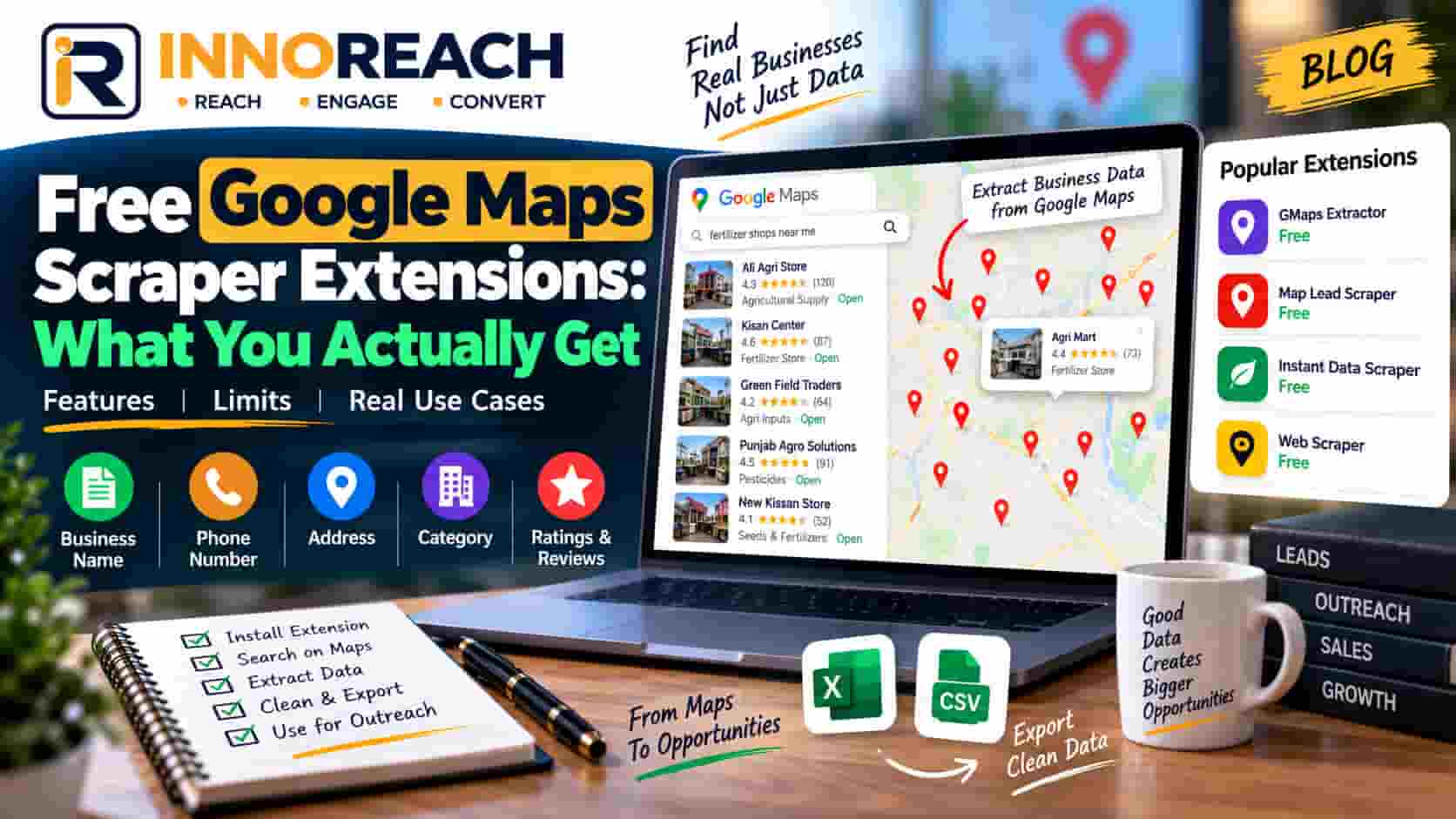
Search for a Google Maps scraper and you will find a dozen free Chrome extensions. Most of the articles about them are written by people selling a paid one, which makes them hard to trust.
So: free extensions are fine. For a lot of jobs they are the correct choice, and if that is your job you should not spend money. What follows is what you get, what you do not, and how to tell which side of the line you are on.
We sell a paid tool. We would rather you used a free one and it worked than paid us for something you did not need.
What free extensions do well
Small one-off lists. You need the pharmacies in one area of Faisalabad, once. A free extension will collect them in a couple of minutes. There is no argument for paying here.
Trying the idea out. Before committing to Maps outbound as a channel, you want to know whether the businesses you are targeting even list phone numbers, and whether their listings look worth calling. A free tool answers that for nothing. It is a genuinely good way to test a hypothesis before spending.
The basic fields. Name, address, phone, category, rating, review count, website. The core Maps fields are visible on the page, and reading them is not hard, so most free extensions get them right. You are not paying for accuracy on these — paid tools have no secret access.
No commitment. Install, use, uninstall. No card, no trial countdown, no sales email.
If your requirement is under about 100 leads, collected once, worked by one person — stop reading and go install one. Everything below is about what happens past that point.
The four real limits
1. Hard row caps per export
Almost every free extension caps how many rows you can export — commonly a few dozen to a couple of hundred. This is the business model and it is a fair one: the cap is the advertisement for the paid tier.
There is a second cap underneath it that people confuse with the first. Google itself limits how deep any single results list goes, at roughly 100 to 200 businesses, no matter how many exist in that city. Scroll a Maps search to the bottom yourself and you will hit the end well before you have seen every restaurant in Lahore.
That limit applies to every tool equally — free, paid, API. Anyone selling you a way past it is selling you something that does not exist. The real answer is more searches, each narrower: split by neighbourhood, split by specific category, combine both for large cities. Ten area searches at 150 results each is 1,500 businesses; one city-wide search is 150. Same tool. We covered this in more detail in the scraping myths piece.
So when you hit a wall, work out which wall it is. If you got exactly 50 rows, that is the extension. If you got 137, that is Google.
2. No deduplication, so you collect the same shops twice
This one costs you quietly and takes a month to notice.
Search "pharmacy in Faisalabad" and then "chemist in Faisalabad" and you get a large overlap. Run either again next month to catch new openings and you get everything again. A free extension has no memory of what you have already collected, so every export is a fresh file and merging them is your problem.
The proper fix is fingerprinting each business on its Google place ID — the stable identifier Google assigns to a listing. Not the name, because there are several hundred businesses called Al-Madina Traders in Punjab alone. Not the URL, which changes.
InnoReach dedupes on place ID and never charges twice for a business already in your account — 1 credit is 1 new unique business, and searches themselves are free. That is precisely what makes re-running your best searches monthly a sensible habit rather than an expensive one.
Without dedup, you either merge files by hand in Excel or you call people twice. Both cost real time, and at low volumes neither is a disaster — which is exactly why free works fine until it does not.
3. No email enrichment
Google Maps contains no email addresses. Not hidden ones, not behind a paywall. The field does not exist, because Google publishes what a customer needs to visit or call a business.
Where does an email come from, then? From the business website. A tool takes the site address off the listing, visits the site, and reads whatever contact address is published there. That is a server-side job — visiting thousands of websites is not something an extension does well in your browser — which is why most free extensions do not offer it at all.
Two things follow, and they apply to paid tools just as much:
- A business with no website can never produce an email. In some Pakistani categories that is over half the listings.
- A site using a contact form instead of a published address produces nothing either.
Realistically it is a fifth to a third of leads in our own runs across Pakistani cities, lower in categories dominated by small traders. Anyone promising full email coverage is guessing at info@ and contact@ patterns and hoping the bounces go unnoticed. Our breakdown of what fields actually arrive has the detail.
Honestly, this matters less than people think here. Phone numbers are present on the large majority of listings, and in this market calling works better than email anyway.
4. The data lands in a CSV with nowhere to work it
The biggest one, and the least visible, because it does not look like a limitation. It looks like success — the file downloaded.
A CSV has no memory. It does not know that the clinic owner asked you to call back after Eid, that you have already spoken to the tuition centre twice, or that today is the day you promised to follow up. Within two weeks the sheet has colour-coded rows nobody trusts and a status column with six spellings of "interested".
The failure always shows up as the same sentence: nobody knows who to call this morning.
If one person is working 80 leads, a sheet handles that fine. Two reps and 400 leads is where it breaks, and the symptoms are duplicate calls and forgotten callbacks. We have written about exactly where that line sits in spreadsheet vs CRM.
The permission question nobody asks
This one deserves more attention than it gets, and it applies to our extension as much as anyone's.
A browser extension that reads pages is a permission grant. When you install it, you are allowing code written by a stranger to run inside your browser and read what is on the page. That is not scaremongering — it is the mechanism by which any Maps extension works at all, including ours. The question is not whether it has access, but how much and from whom.
Three things worth checking before installing anything:
What permissions does it request? Chrome shows this at install time. An extension that reads Google Maps needs access to Maps pages. If it asks to "read and change all your data on all websites", that is a much broader grant covering your bank, your email and your company systems. Sometimes that is legitimate — email enrichment needs to visit other sites. Often it is lazy or worse. Either way, know what you agreed to.
Who publishes it? Look for a real company with a real address and a website that is not just a landing page. An anonymous developer with no support channel is a risk you are taking with your browser profile.
When was it last updated? Google Maps changes its page structure regularly. An extension untouched for two years is either abandoned or broken, and an abandoned extension with wide permissions is the worst combination on this list.
Our Chrome extension installs in developer mode rather than from the Chrome Web Store at the moment, which is worth saying plainly because it is a legitimate mark against us — Web Store listing includes a review process, and we do not yet have that badge. It means a few extra steps, which the install guide walks through. Judge us on the same three questions above: we are Innobrains Technologies, a registered company in Faisalabad, with a support channel and a product that gets updated.
When free is genuinely the right call
Three clear cases:
Under about 100 leads. The row cap does not bite, dedup does not matter yet, and one person can hold that list in their head.
A one-off job. A single campaign, a market study, one list for one purpose. If you will never re-run the search, deduplication has no value to you.
Testing the idea. Before you spend anything on this channel, collect 50 listings free and call ten of them. You will learn whether Maps outbound works for your category faster and cheaper than any trial.
When free stops being free
The cost moves from money to your time, and the arithmetic is worth doing properly.
Say the free extension caps you at 50 rows per export and you need 500 leads. That is 10 exports, plus merging 10 files, plus removing duplicates by hand. Call it two hours of fiddly, error-prone work.
Or say you skip tools entirely and collect manually. In our own timings it runs about 40 to 60 seconds per business once you are practised — call it 45 seconds. Five hundred leads is just over six hours. At a modest Faisalabad salary that is more than most people's monthly tool budget, spent every single time you need a list.
Then add the parts you cannot do manually at all: normalising 500 phone numbers into international format so tap-to-call and WhatsApp links work, and knowing next month which of them you already have.
The switching point is not a lead count. It is these three questions:
- Will you run this search again? If yes, dedup starts paying for itself immediately.
- Will more than one person work the list? If yes, a shared file will fail within a fortnight.
- Is your sale more than one call? If yes, you need contact history, and a CSV has none.
Two or three yeses and free is now costing you more than it saves.
What to look for if you do pay
Not a feature list — five questions.
Does it dedupe on Google place ID, and does it charge you for duplicates? If a tool charges per lead and does not dedupe, you pay again every time you search. This is the single most expensive difference between tools and the least advertised.
Is there somewhere to work the leads? An export is not a pipeline. If the tool ends at the download, you still need to solve the CRM problem separately, and that is fine — just do not expect the scraper to have solved it.
Are phone numbers normalised? Maps returns numbers as the business typed them: 0300-1234567, 042 35xxxxx. Tap-to-call and WhatsApp need +923001234567. Converting 500 by hand is miserable.
Is the email claim honest? If a vendor implies every lead has an email, that tells you what their other claims are worth.
Can you actually pay for it? Most international tools bill in USD by card. If that is a problem for you, check before investing time in a trial. We price in PKR and take bank transfer, Easypaisa or JazzCash — the packs are on pricing.
The short version
Free Maps extensions do a real job well: small lists, one-off jobs, testing whether this channel works for you. Use them for that without guilt.
They stop working when you need volume, repeat searches, or more than one person working the list — and the cost of staying free at that point is measured in your own hours, not in money.
Check the permissions before you install anything, ours included.
If you have crossed the line and want to test the paid side, the free trial is 25 leads and needs no card. Start free, or read the complete guide to Google Maps lead generation first.
Frequently asked questions
For small one-off jobs, yes. If you need 80 restaurants in one area of Lahore once, a free extension will do it and you should not pay for anything. They become expensive when you need volume, repeat searches or a place to work the leads afterwards, because none of those are what free tools are built for.
Because the cap is how they sell you the paid version — that is a normal and fair business model. Separately, Google itself caps a single search at roughly 100 to 200 results regardless of the tool, so some of what looks like a tool limit is actually Google's. Splitting searches by neighbourhood is the answer to the second one.
Not from Google Maps, because Maps holds no email addresses at all. Emails are read from the business website afterwards, which needs a server to visit each site — a job most free extensions do not do. In our own runs across Pakistani cities, a fifth to a third of listings produce an email even when that step is performed.
Some are, some are not, and the way to tell is the permission list. An extension that reads Google Maps pages needs access to Maps and little else. If it asks to read data on all websites, that is a much larger grant, so check who publishes it, whether they have a real company behind them, and how recently it was updated.
When the same search will be run more than once, when you need more than a few hundred leads, or when more than one person works the list. At that point deduplication and a pipeline save more time than the subscription costs. Below that, free is genuinely the right answer.
About 40 to 60 seconds per business once you are practised, in our own timings. That is roughly an hour and a half per 100 leads of uninterrupted work. It is worth doing for the first twenty listings regardless, because you learn more about your market that way than from any dashboard.
Arshad Ali
Innobrains Technologies — we build InnoReach, and we sell with it too.
Keep reading

Google Maps Scraper With a Built-In CRM
Most lead-gen effort dies in the handoff between the export and the phone call. A buyer's guide to scraper plus CRM, scraper plus spreadsheet, and one tool doing both.
21 Sep 2026 · 9 min
InnoReach vs Apify for Google Maps Scraping
Apify is a developer platform, InnoReach is a sales tool. The real question is whether you have a developer, and what happens to the data after the run finishes.
20 Sep 2026 · 8 min
InnoReach vs Outscraper: Which Fits Your Sales Team?
One is an extraction service, the other is a sales workspace. An honest comparison including where Outscraper is clearly the stronger product and you should buy that instead.
19 Sep 2026 · 8 min